[](https://danielmiessler.com/images/skills-commands-agents-hierarchy.png)
When [Anthropic released Skills](https://simonwillison.net/2025/Oct/16/claude-skills/) in October 2025, I faced a confusing problem: [Skills](https://docs.claude.com/en/docs/agents-and-tools/agent-skills/overview), [Commands](https://docs.claude.com/en/docs/claude-code/slash-commands), and [Agents](https://docs.claude.com/en/docs/agents-and-tools/building-agents) are all essentially the same thing—markdown files containing prompts. Structurally identical. So which do you use, and when? Something here.
NOTE: This entire architecture is documented and exemplified in my open-source [Personal AI Infrastructure (PAI) repository on GitHub](https://github.com/danielmiessler/PAI). You can see the exact [Skills-as-Containers structure](https://github.com/danielmiessler/PAI/tree/main/.claude/skills), real [workflow examples](https://github.com/danielmiessler/PAI/tree/main/.claude/skills/research/workflows), and how everything fits together in production use. The repo includes the actual [skill files](https://github.com/danielmiessler/PAI/tree/main/.claude/skills), [agent configurations](https://github.com/danielmiessler/PAI/tree/main/.claude/agents), and [documentation](https://github.com/danielmiessler/PAI/blob/main/README.md) that implements this three-tier hierarchy.
## The Problem: Three Identical Primitives
Here's what makes Claude Code's architecture confusing:
**They're all just markdown files with prompts:**
- Skills? Markdown files in `~/.claude/skills/`
- Commands? Markdown files (used to be in `~/.claude/commands/`)
- Agents? Markdown files in `~/.claude/agents/`
Same structure. Same format. Same basic idea: give Claude instructions.
So when you want to add a "write blog post" capability, which primitive do you use?
- Make it a skill?
- Make it a command?
- Make it an agent?
- All three somehow?
I had all three problems at once:
**1\. No clear decision framework.** Should blog writing be a skill or a command? I had both. They duplicated each other. Neither was authoritative.
**2\. Scattered functionality.** Blog commands lived in a global directory, divorced from blog-specific context like formatting rules and voice guidelines.
**3\. Unclear nesting.** If skills can contain other files, should commands live inside skills? Should agents call skills? Should skills call agents? What calls what?
The result: I never knew where new capabilities should go, I had duplication everywhere, and my system was impossible to extend consistently.
## The Solution: A Clear Decision Framework
Since all three primitives are structurally identical, the answer isn't about syntax—it's about **purpose and nesting**. Here's the framework I landed on:
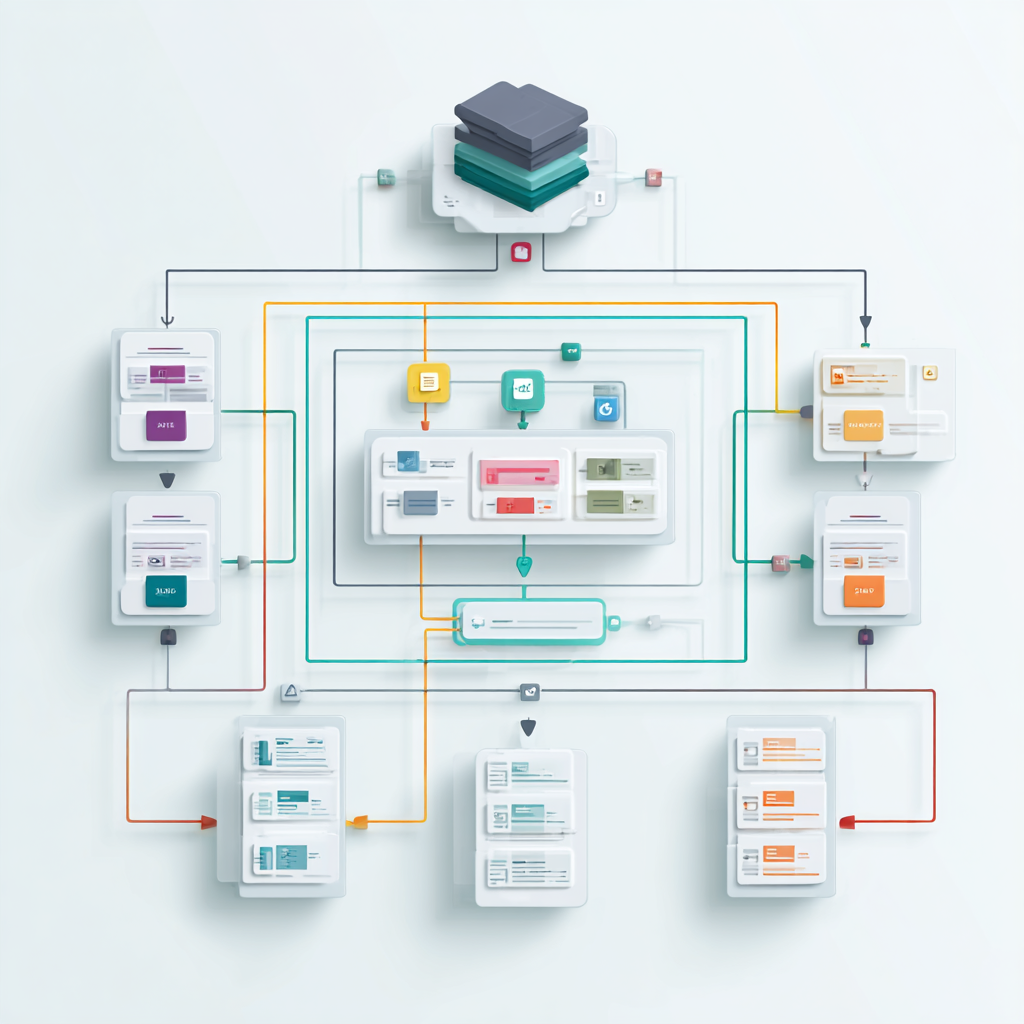
**Skills = Domain containers** (blogging, research, security) **Commands = Tasks/Commands within domains** (nested inside skills under workflows/ directory) **Agents = Standalone parallel workers** (can execute skills and their commands)
This solves the nesting problem: agents aren't nested in skills, but they CAN execute them. Skills contain commands (in workflows/ subdirectories). Commands don't contain anything—they're the leaf nodes.
Here's how it works in practice:
Here's what the overall structure looks like:
```
~/.claude/
├── skills/ # Domain containers
│ ├── blogging/
│ │ ├── SKILL.md # Main prompt file with routing logic
│ │ ├── workflows/ # Commands live here (nested, not global)
│ │ │ ├── write.md # Command: write blog post
│ │ │ ├── publish.md # Command: publish blog post
│ │ │ └── rewrite.md # Command: rewrite blog post
│ │ └── context/ # Supporting prompt files by topic
│ │ ├── formatting.md # Frontmatter and structure
│ │ └── examples.md # Sample blog posts
│ ├── research/
│ │ ├── SKILL.md # Main prompt file
│ │ ├── workflows/ # Commands for research
│ │ │ └── conduct.md # Command: conduct research
│ │ └── context/ # Supporting prompts
│ │ ├── sources.md # Preferred research sources
│ │ └── methodology.md
│ ├── images/
│ │ ├── SKILL.md # Main prompt file
│ │ ├── workflows/ # Commands for images
│ │ │ └── generate.md # Command: generate image
│ │ └── context/ # Supporting prompts
│ │ ├── styles.md # Image style guidelines
│ │ └── prompts.md # Prompt templates
│ └── system/
│ ├── SKILL.md # System-level operations
│ └── workflows/ # System commands
│ ├── update-kai-repo.md
│ ├── check-sensitive.md
│ └── observability.md
├── agents/ # Parallel workers
│ ├── engineer.md
│ ├── architect.md
│ ├── pentester.md
│ ├── researcher.md
│ └── intern.md
└── history/ # Logging output
├── sessions/
├── research/
└── learnings/
```
### Tier 1: Skills (Domain Containers)
**When to use:** You're organizing a domain of related capabilities (blogging, research, security, etc.)
Skills are self-contained modules where everything for a specific domain lives together:
```
~/.claude/skills/blogging/
├── SKILL.md # Routing logic and domain knowledge
├── workflows/ # Commands live here (still commands, just nested)
│ ├── write.md # Command: write blog post
│ ├── publish.md # Command: publish blog post
│ └── rewrite.md # Command: rewrite blog post
└── context/ # Supporting prompts and references
├── voice.md
└── formatting.md
```
When you say "write a blog post," the blogging skill loads, analyzes your intent, and routes internally to `workflows/write.md`.
**Key insight:** Skills are just markdown files that can reference OTHER markdown files in their directory. That's it.
### Tier 2: Commands (Nested Tasks)
**When to use:** You have a specific task within a domain (write, publish, research, etc.)
Commands are task-specific prompt files that live INSIDE their parent skill under the `workflows/` directory. They're still commands—they just have a new home.
For example, `skills/blogging/workflows/write.md` is a command (markdown file with instructions for writing blog posts)—same structure as before, just nested inside the blogging skill instead of floating globally.
**Key insight:** Commands didn't go away. They just moved from `~/.claude/commands/` to `~/.claude/skills/{domain}/workflows/` where they belong with their related context.
### Tier 3: Agents (Parallel Workers)
**When to use:** You need concurrent execution of multiple tasks
Agents are standalone markdown files in `~/.claude/agents/` that execute work in parallel. The key difference: agents can invoke skills and their commands.
Example workflow:
1. You ask to research a topic
2. The research skill launches 3 intern agents in parallel
3. Each intern executes the research skill's commands on different sources
4. All report back simultaneously
**Key insight:** Agents aren't nested in skills—they're standalone entities that can EXECUTE skills and commands as parallel workers.
## The Implementation
I restructured the entire PAI system around this hierarchy. Here's what changed:
**Before:**
```
~/.claude/
├── commands/
│ ├── write-blog.md # 721 lines, divorced from blogging context
│ ├── publish-blog.md # 471 lines, divorced from blogging context
│ ├── conduct-research.md # Separated from research skill
│ ├── get-ai-news.md # Duplicate of skill version
│ └── update-kai-repo.md # System-level, no clear home
└── skills/
├── blogging/
│ └── SKILL.md # 48KB monolith doing everything
├── research/
│ └── SKILL.md
└── get-ai-news/
└── SKILL.md # Duplicate functionality
```
**After:**
```
~/.claude/
├── skills/
│ ├── blogging/
│ │ ├── SKILL.md # 5-10KB routing logic
│ │ ├── workflows/ # Commands moved here from global directory
│ │ │ ├── write.md # Command: write blog
│ │ │ ├── publish.md # Command: publish blog
│ │ │ └── rewrite.md # Command: rewrite blog
│ │ └── context/
│ │ ├── voice.md
│ │ └── formatting.md
│ ├── research/
│ │ ├── SKILL.md
│ │ └── workflows/ # Commands moved here
│ │ └── conduct.md # Command: conduct research
│ ├── news/
│ │ └── SKILL.md # Consolidated, duplicate deleted
│ └── system/
│ ├── SKILL.md
│ └── workflows/ # System commands (formerly in global commands/)
│ ├── update-kai-repo.md
│ ├── check-sensitive.md
│ └── observability.md
├── agents/ # Unchanged, already correct
│ ├── engineer.md
│ ├── researcher.md
│ └── intern.md
└── history/ # Logging output
├── sessions/
├── research/
└── learnings/
```
## Key Benefits
**Encapsulation:** Related functionality lives together. Blogging workflows stay inside the blogging skill container.
**Discoverability:** Want to see what blogging capabilities exist? Look in `skills/blogging/workflows/`. Everything's in one place.
**Portability:** Skills are self-contained modules. You can share a complete skill directory with someone else and it just works.
**Intent-based routing:** Say "write a blog" in natural language. The blogging skill loads and routes to the appropriate workflow automatically.
**Modularity:** Instead of one 48KB prompt file, I have focused files with clear responsibilities. Much easier to maintain and extend.
The system is working well for me so far, and I'll update this with any changes going forward.
Hope this helps someone.
#### Notes
1. Simon Willison's analysis of Claude Skills from October 2025. [Claude Skills are awesome, maybe a bigger deal than MCP](https://simonwillison.net/2025/Oct/16/claude-skills/)
2. Daniel's Personal AI Infrastructure project is open source. [PAI on GitHub](https://github.com/danielmiessler/PAI)
3. Anthropic's official Skills documentation. [Agent Skills Documentation](https://docs.claude.com/en/docs/agents-and-tools/agent-skills/overview)